Watch Quick Video
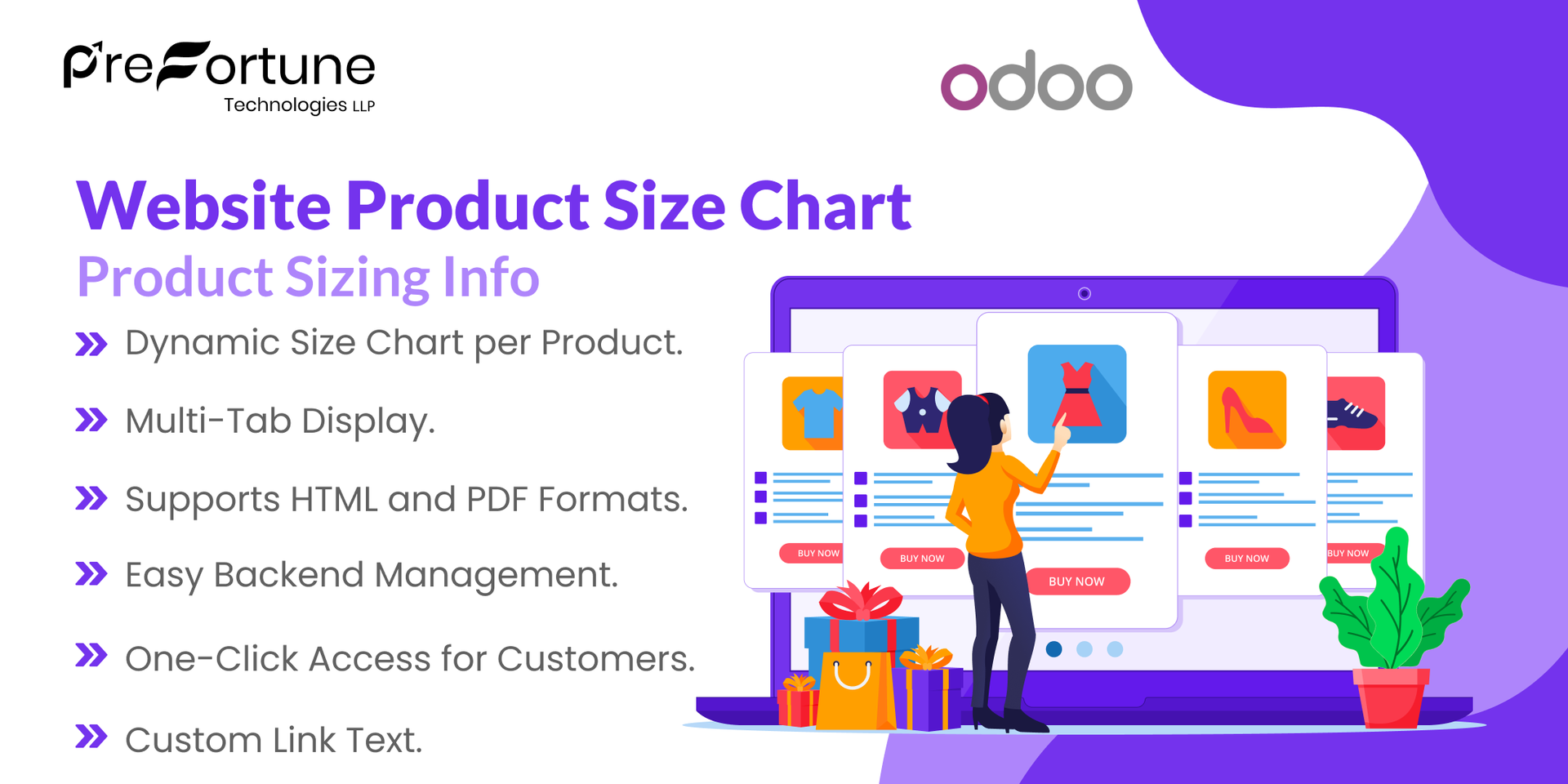
Website Product Size Chart Odoo App
Our all-inclusive
Odoo – Website Product Size
Chart Odoo App The Website Product Size Chart
app for Odoo enhances the shopping experience by allowing
businesses to display detailed and interactive size charts
directly on product pages. It enables store administrators to
upload and manage size chart templates using either HTML or PDF
formats, associate them with specific products or product
templates, and include helpful measurement guides and images to
assist customers in selecting the right size. When a customer
visits a product page, they can easily access the size chart via
a link that opens a responsive modal popup without navigating
away from the page. This modal includes tabs for viewing the
size options and measurement instructions, along with an
optional image for visual reference. If a PDF is provided. The
app helps reduce size-related returns, improves customer
confidence, and ensures consistency across the product catalog
by allowing real-time updates from the backend. It is an ideal
solution for fashion and apparel businesses seeking to provide a
professional, user-friendly, and informative online shopping
experience.
Website Product Size Chart Odoo App
- Real-time backend updates reflected instantly on the frontend.
- Easy to configure from website settings – add chart, link text, and product.
- Enhances customer experience and builds sizing confidence..
- Support for both HTML and PDF format charts.
- Display charts in modal popup, inline block, or tabbed layout on product pages.
Complete Workflow for Manage Website Product Size Chart Odoo App
First we need to activate Website Product Size Chart create size chart from size chart menu of website configuration. Add Associated Product, Add Size chart Or Attach PDF, Add Link Text all these will appear to website product page by clicking dynamic link text.
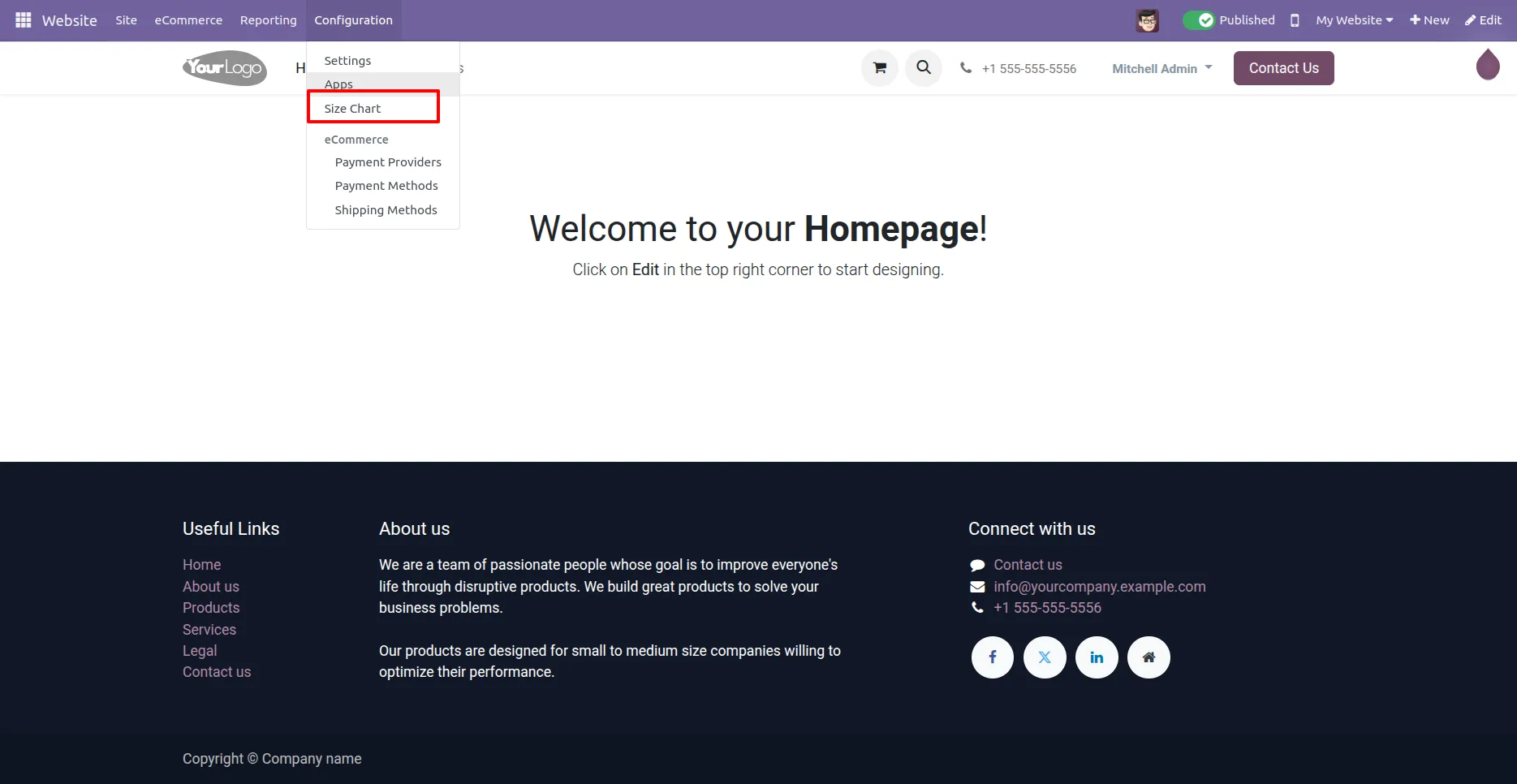
1. User can configure size chart from here.
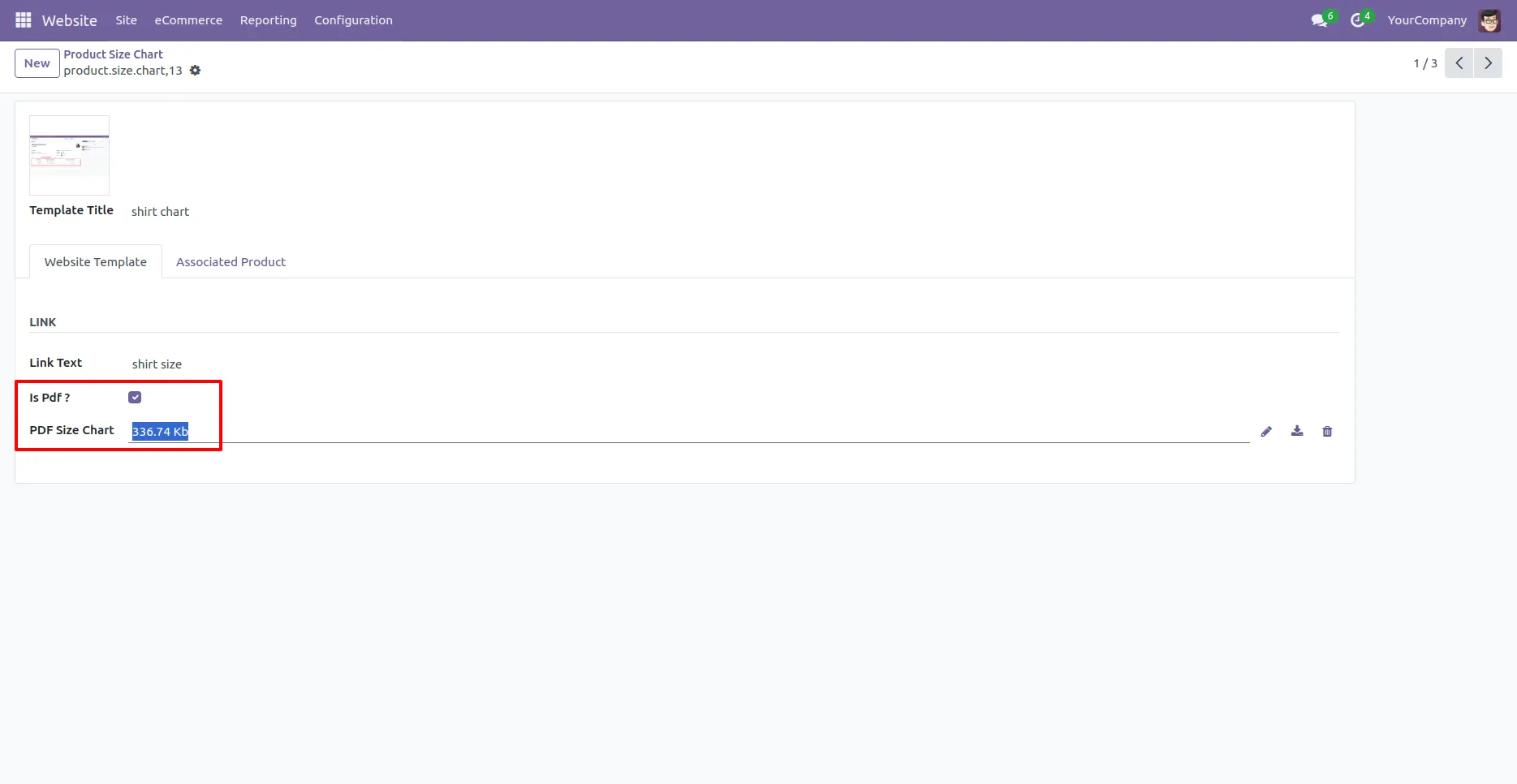
2.Add Size Chart Details and attach PDF
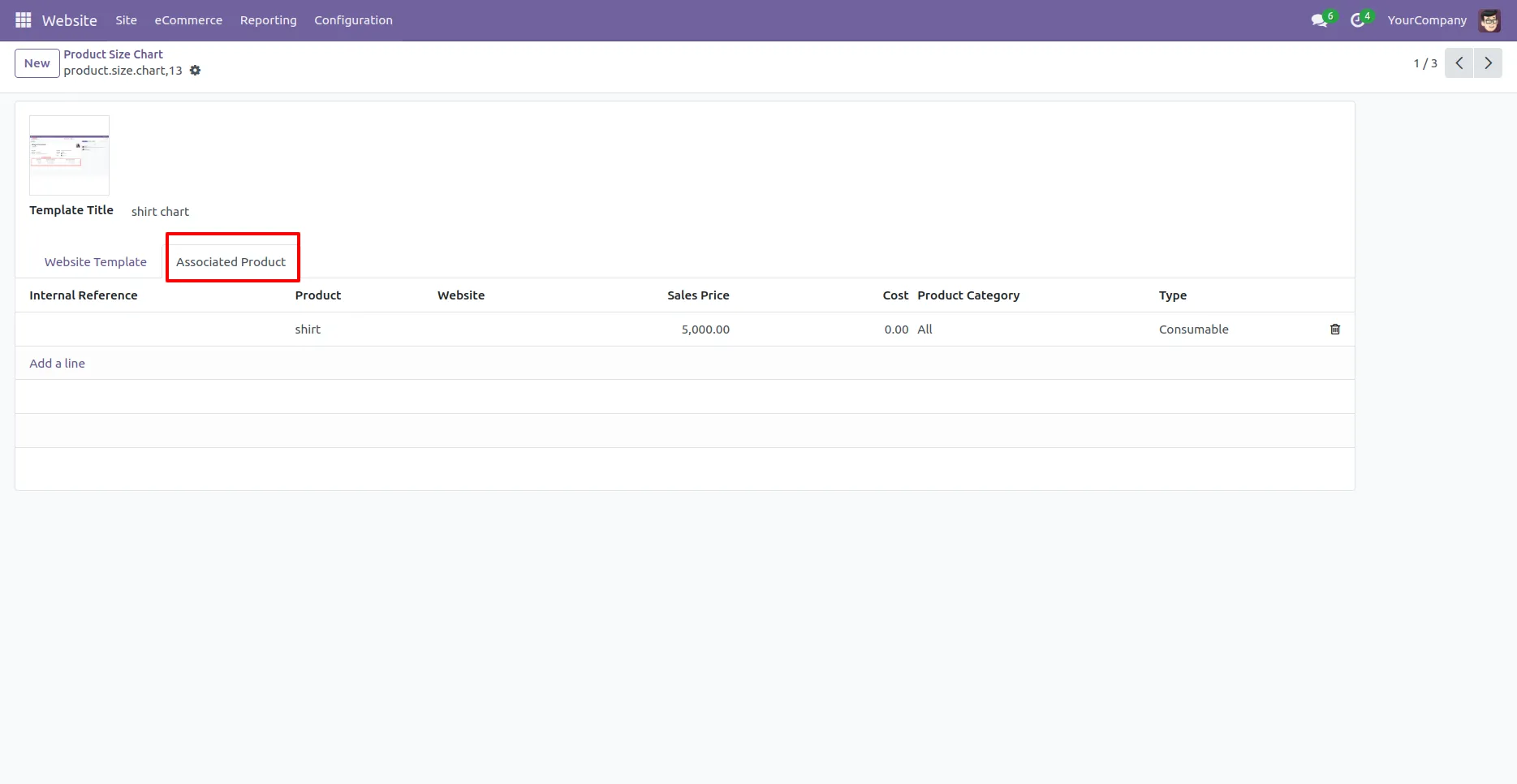
3. Add Associated Products
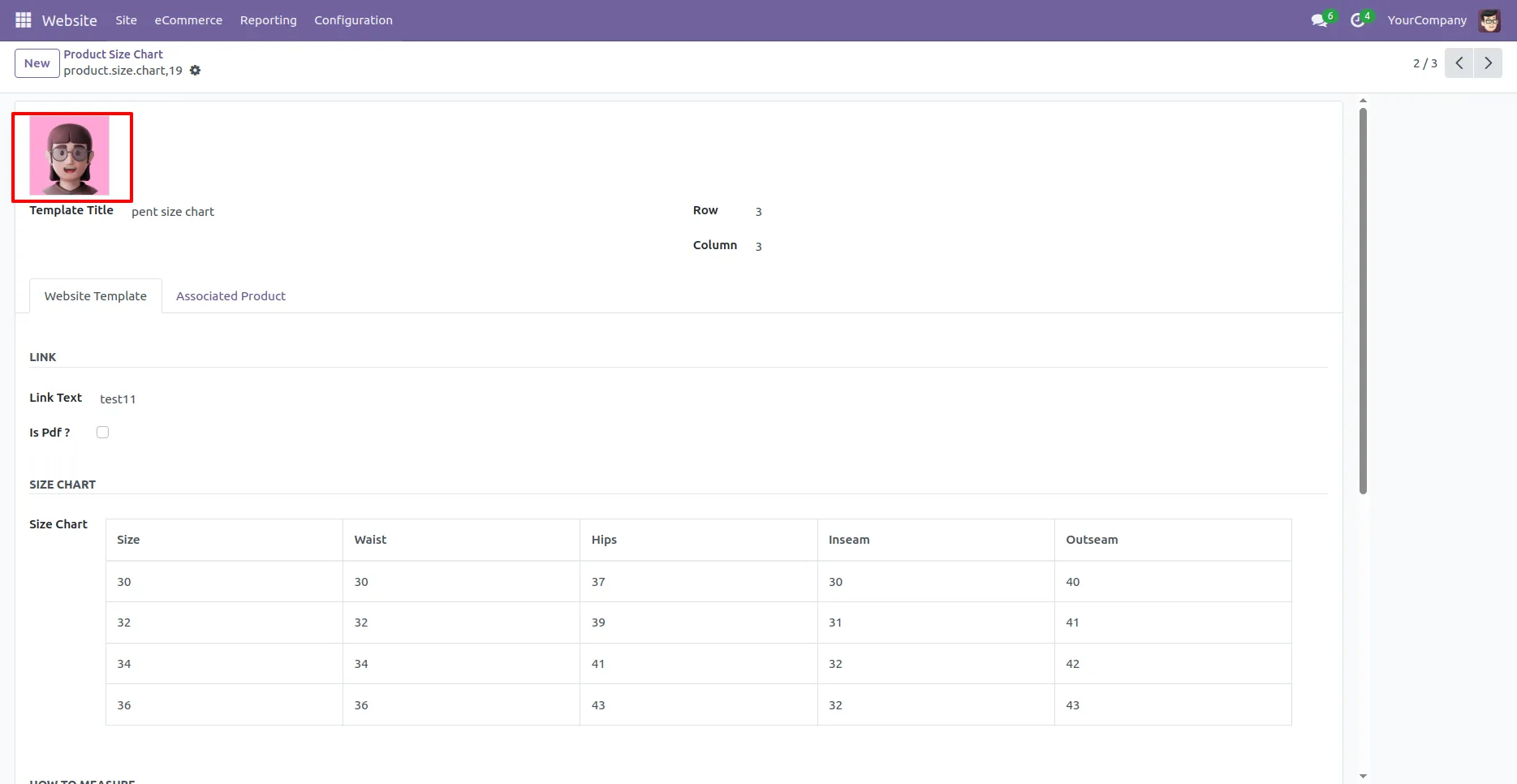
4. Add Image for size chart
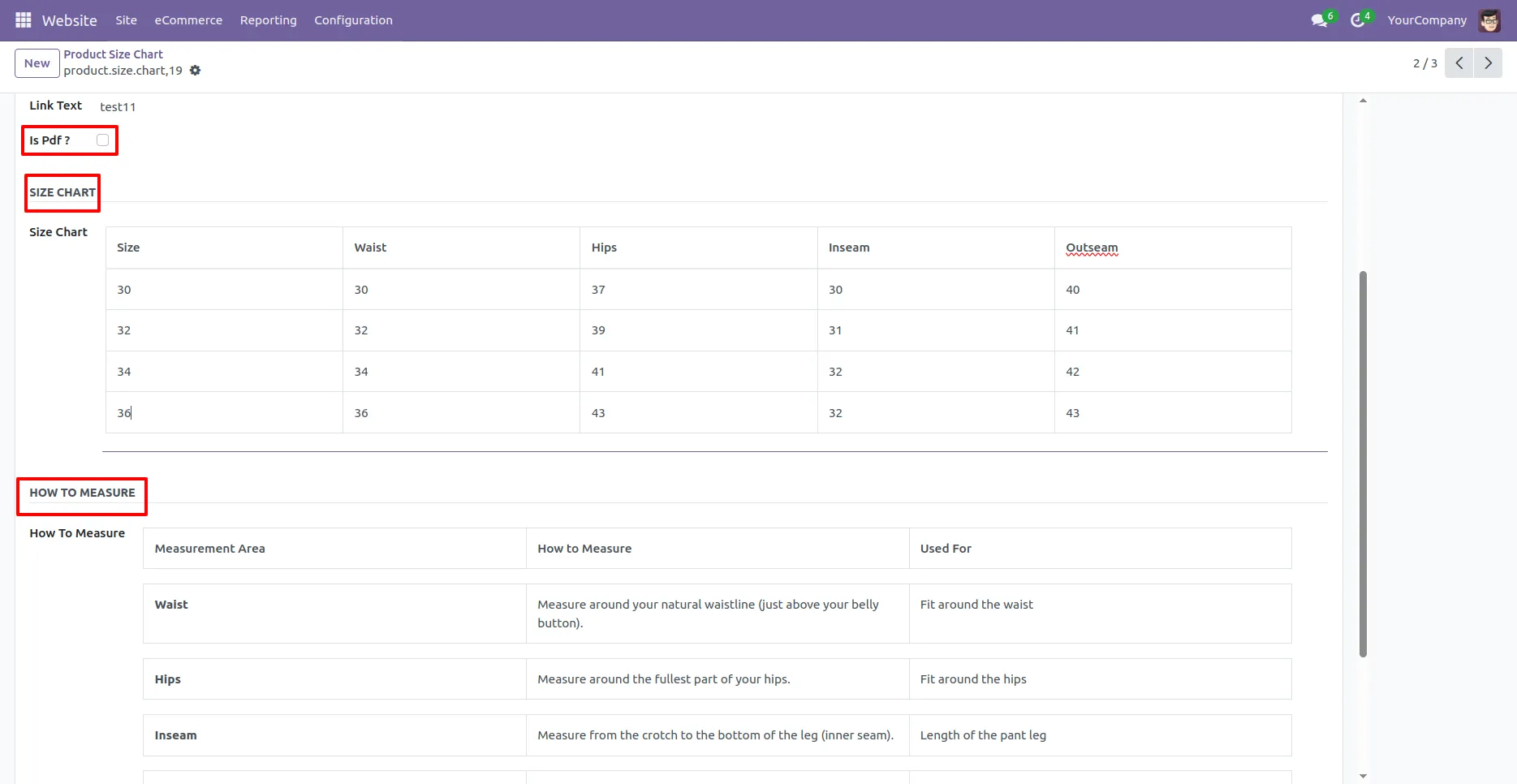
5. By disabling Is PDF option, add size chart and how to measure detail.
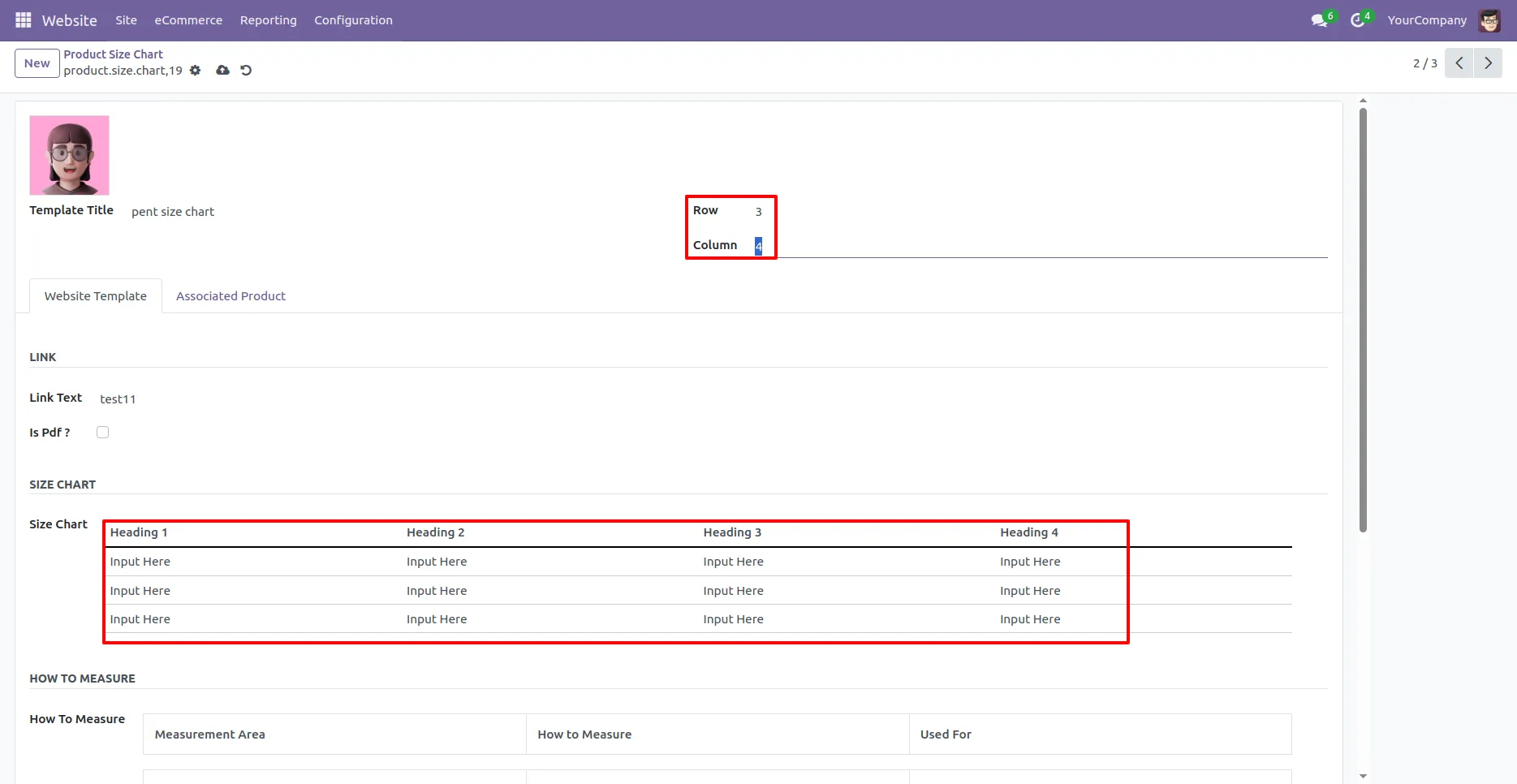
6. Size chart table creates automatically according row and column given.
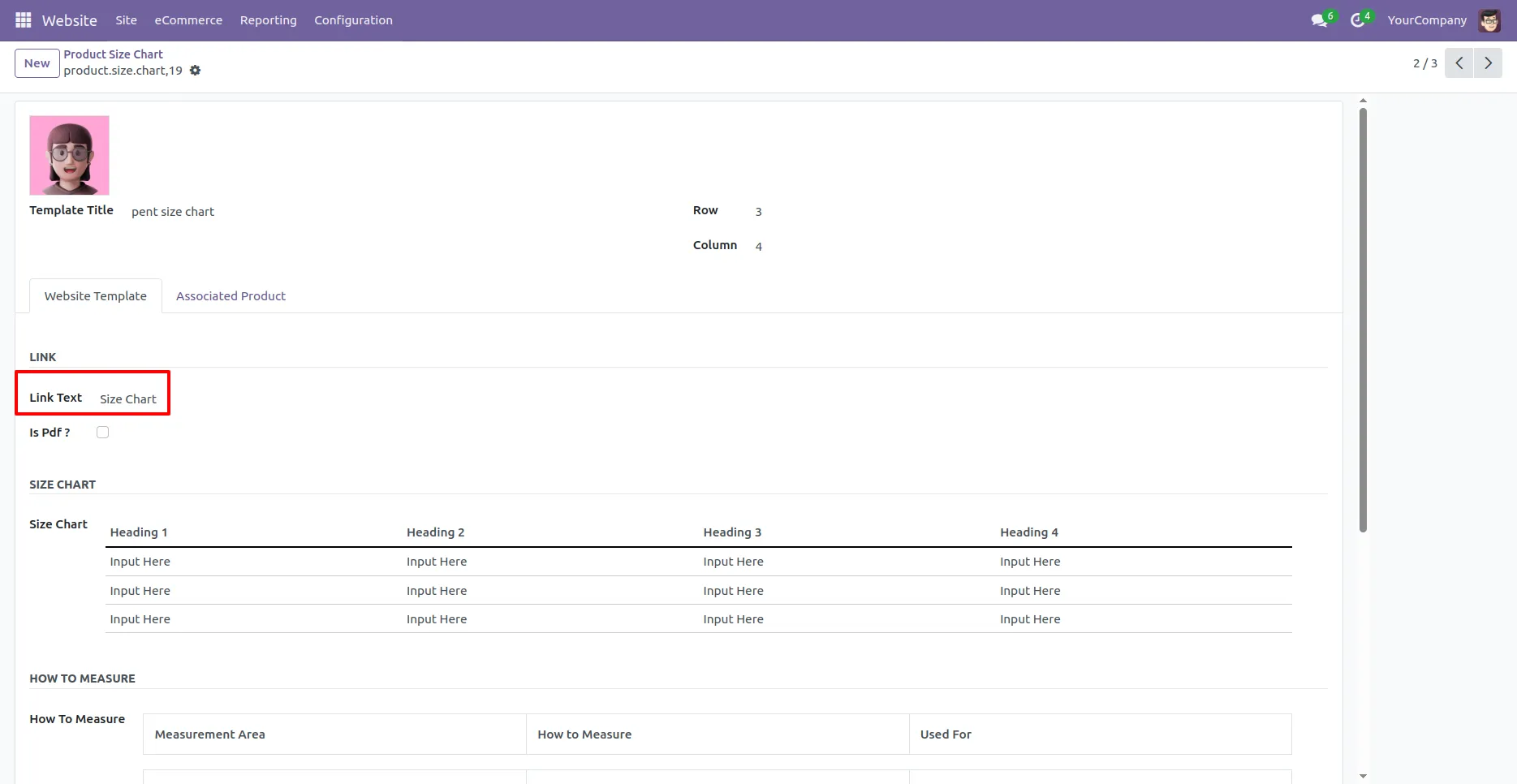
7. Add size chart link text, it will display on website product page as a link.
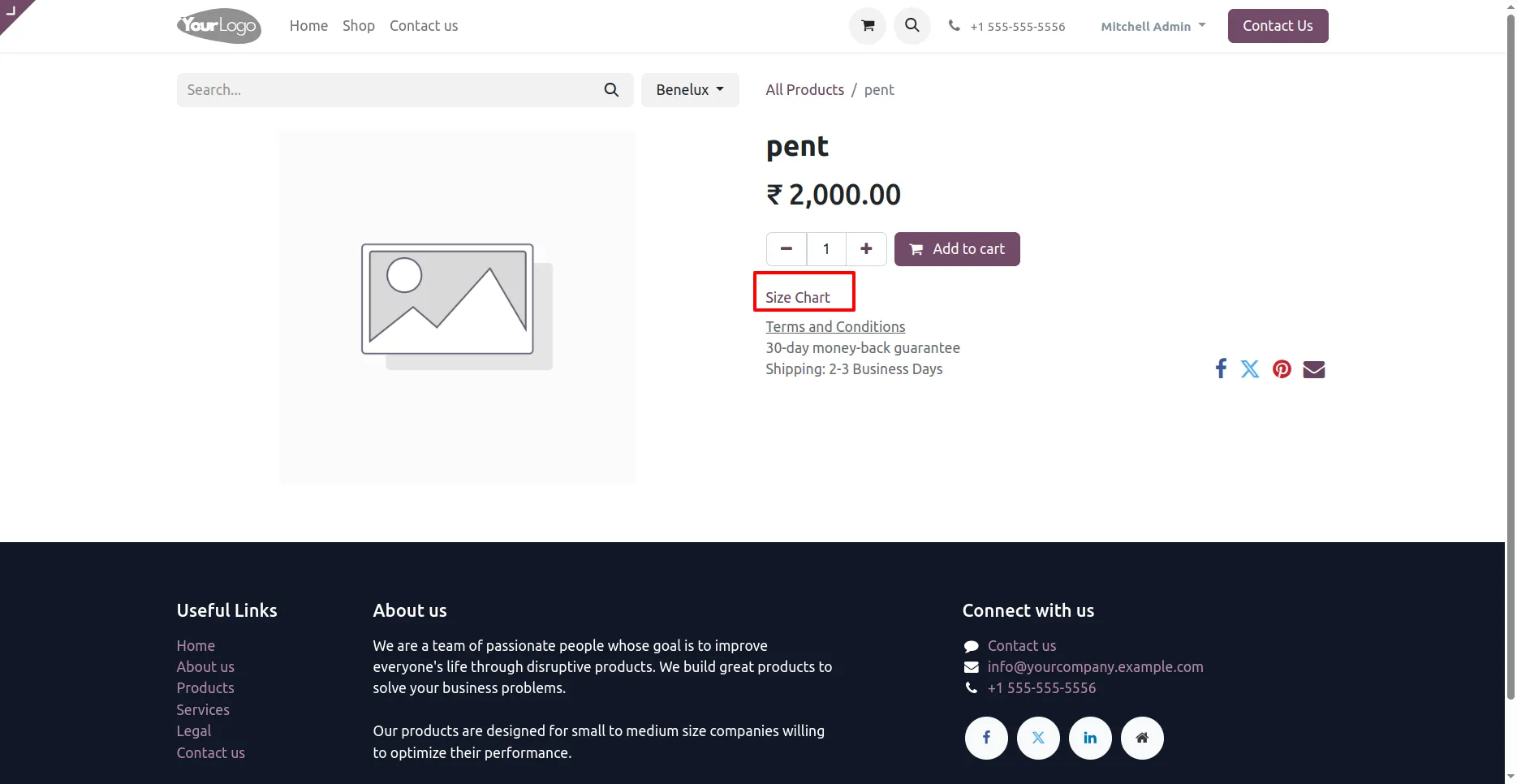
8. Link Text appears here to open size chart or pdf.
Our solutions focus on your problems
- Odoo Implementation
- Odoo Customization
- ERP Development and Implementation
- Odoo Ipass Cloud
- AI for Odoo
- Odoo Apps
- Aws Marketplace Products
- Business Engines
Our Pricing includes User Manual, 90 Days Support (Monday-Friday 10am to 7pm IST) and One time Setup
• Works & tested on standard installations of Odoo with no third party apps,
• Free support only for odoo installations with no third party apps,
• Paid support available for Odoo installations with third party apps.

Prefortune is a Odoo Official Partner, Odoo Development company. Our philosophy is to use Open Source tools and technologies to provide cost effective and green solutions for our customers.
Prefortune Technologies LLP is working on web development, Mobile development, and Odoo ERP.
If you need any help or want more additional features, you may contact us through:
Alternative Products
These other products might interest you
Specifications
| Version | 18.0, 17.0, 16.0, 15.0, 14.0, 13.0 |