Watch Quick Video
Automated Employee Timesheet from Calendar Meetings in Odoo
Our all-inclusive Odoo – Automated Employee Timesheet from Calendar Meetings module is designed to automatically generate employee timesheets from calendar meetings, integrating them seamlessly into both the event notebook and the Timesheet app in Odoo.
Automated Employee Timesheet from Calendar Meetings in Odoo
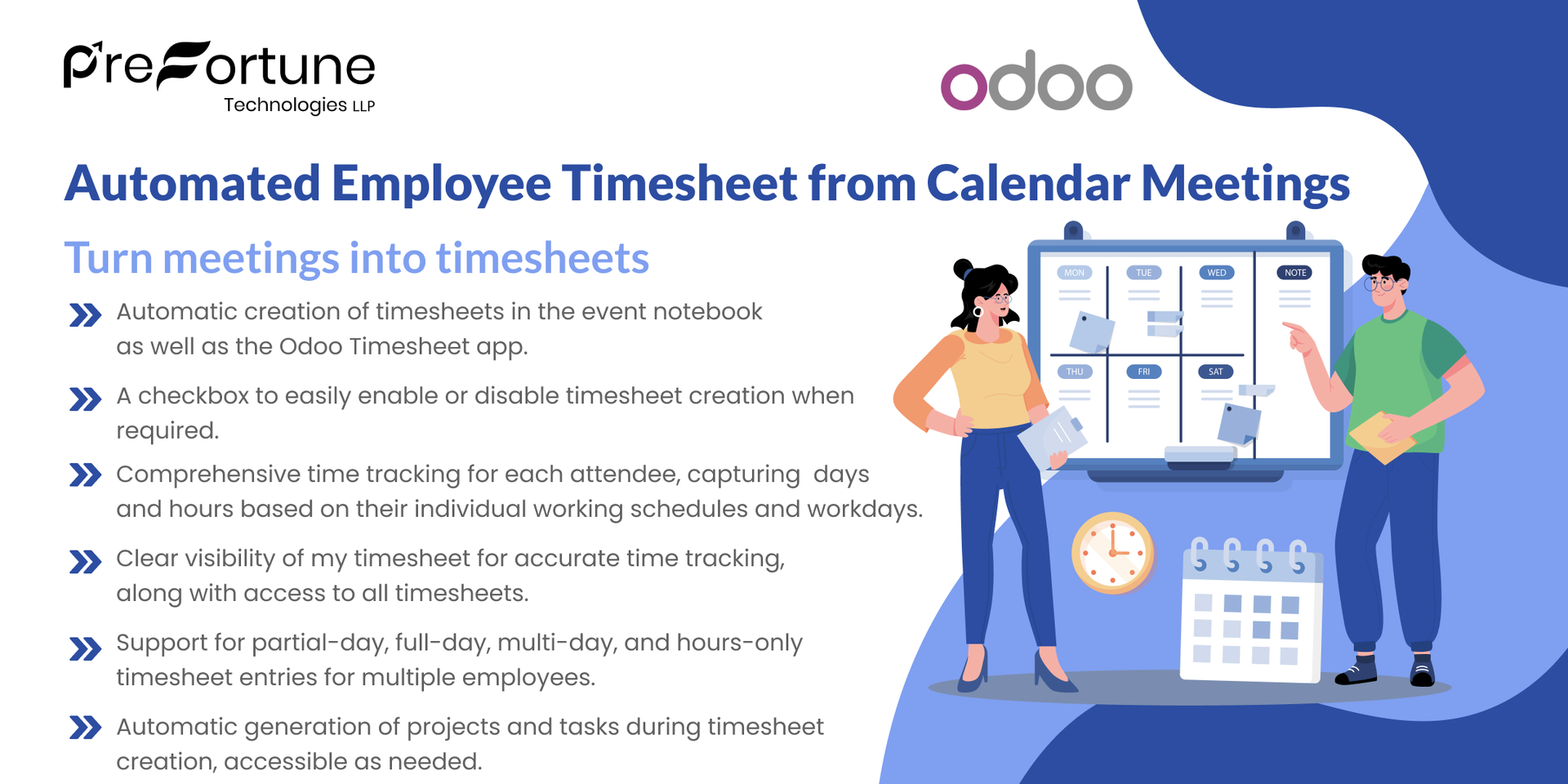
- Automatic creation of timesheets in the event notebook as well as the Odoo Timesheet app.
- Comprehensive time tracking for each attendee, capturing days and hours based on their individual working schedules and workdays.
- Clear visibility of my timesheet for accurate time tracking, along with access to all timesheets.
- A checkbox to easily enable or disable timesheet creation when required.
- Support for partial-day, full-day, multi-day, and hours-only timesheet entries for multiple employees.
- Automatic generation of projects and tasks during timesheet creation, accessible as needed.
Complete Workflow for Automated Employee Timesheet from Calendar Meetings in Odoo
First, you might need to create an event from calendar app in odoo then if this app is installed Timesheet entries will be shown in Calendar Form view notebook as well as in Timesheet App. Which can be disabled by un-checking the create timesheet box in Settings.Partial-day, Full-day, Multi-Days, All-days and hours-only based timesheet creation as per the Working Schedule of attendees. Also Projects and Tasks are auto-generated while creation of timesheets which can be acessed later if needed.

1(a). Enable the Create Timesheet checkbox from the Calendar App > Configuration > Settings for Version above Odoo 17.

1(b). Enable the Create Timesheet checkbox from the Timesheet App > Configuration > Settings for Version below Odoo 17.

2. While creating the event add details like Project and Task that is related to the event. Which in turn might create project and task which might me acessible from Timesheets App.

3. While updating the event details an optional Reason for Update field is provided to track changes and details.

4. The notebook page Timesheets in Calendar Form View will show the entries of event days as per days, time and working schedule of particular attendees.

5. In the Timesheet App of odoo the same entires might reflect where all entries can be seen as well as the logged in user will be able to see his/her own entries in My Timesheets.

6. Also the creation of timesheets generates corresponding Projects & Tasks that are acessible from reporting menu in Timesheet App.

7. Working Schedule, Average hours per day and the working days can be acessed or changed from Employees > Work Information > Schedule > Working Hours (Internal Link) or from Reporting menu in Employees app.

8. Working Schedule Format and Form View.
Our solutions focus on your problems
- Odoo Implementation
- Odoo Customization
- ERP Development and Implementation
- Odoo Ipass Cloud
- AI for Odoo
- Odoo Apps
- Aws Marketplace Products
- Business Engines
Our Pricing includes User Manual, 90 Days Support (Monday-Friday 10am to 7pm IST) and One time Setup
• Works & tested on standard installations of Odoo with no third party apps,
• Free support only for odoo installations with no third party apps,
• Paid support available for Odoo installations with third party apps.

Prefortune is a Odoo Official Partner, Odoo Development company. Our philosophy is to use Open Source tools and technologies to provide cost effective and green solutions for our customers.
Prefortune Technologies LLP is working on web development, Mobile development, and Odoo ERP.
If you need any help or want more additional features, you may contact us through:
Alternative Products
These other products might interest you
Specifications
| Version | 19.0, 18.0, 17.0, 16.0, 15.0, 14.0, 13.0 |